
Next-Gen Traffic Simulations for Unity DOTS
Production-grade, fully multi-threaded ECS systems that drive tens of thousands of vehicles and pedestrians at 60+ FPS. Zero garbage collection. Pure performance, engineered for scale.
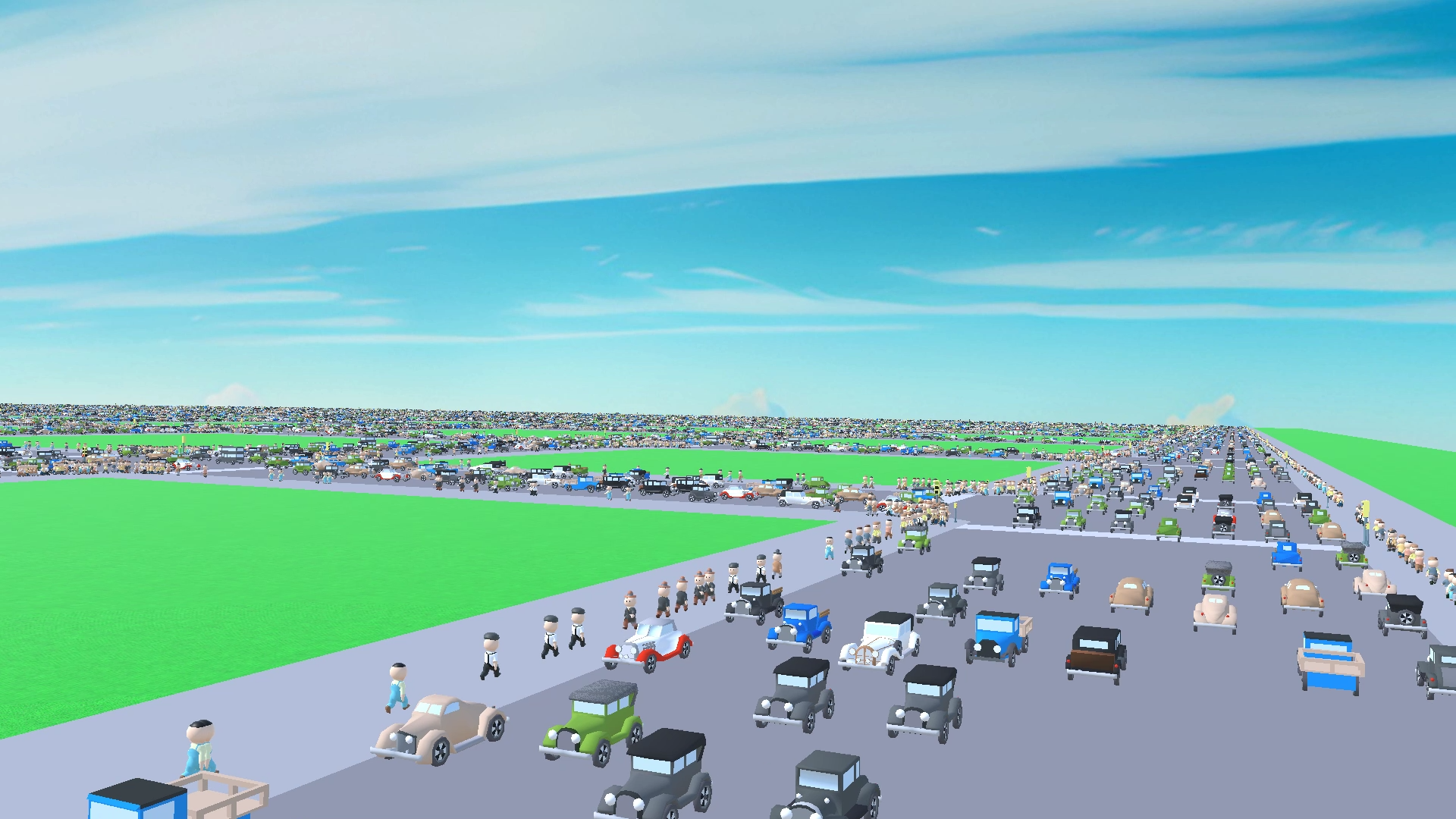
Engineered for raw performance
Built from the ground up on Unity's Data-Oriented Technology Stack. No shortcuts, no managed overhead — just deterministic, scalable simulation.
100% Burst Compiled
Every hot path is Burst-compiled to tight SIMD machine code, squeezing maximum throughput out of every core.
Flexible Hybrid Architecture
Deep integration with pure DOTS/ECS for maximum performance, while fully supporting standard MonoBehaviour workflows for easy integration.
Zero Garbage Collection
Unmanaged memory and native containers mean no GC spikes — ever.
Spatial Hashing
O(1) proximity queries and multi-threaded local avoidance via a parallel spatial hash grid for instant neighbor lookups across thousands of agents.
60+ FPS at Scale
Holds frame budget with tens of thousands of active entities on commodity hardware.
Job-Based Scheduling
Work is parallelized across all worker threads with automatic dependency tracking.
Two ways to ship faster
Whether you want a turnkey city or a foundation to build on, both assets share the same battle-tested performance core.
DOTS Traffic City
A complete, production-ready simulation suite for massive living cities. Supports both hybrid Mono and pure DOTS workflows.
- Hybrid Architecture (DOTS & MonoBehaviour Traffic)
- Ready-to-Use Top-Down GTA-Like Demo System
- Built-in Crowd Avoidance Engine & Third-Party Agents Navigation Plugin Integration (For intelligent, collision-free pedestrian steering)
- High-Quality Road Network Editor
- High-Performance GPU Pedestrians
- Advanced Animation Systems (Rukhanka, Animatron, Built-in GPU Animation Engine)
- Built-in & Custom Train Simulation
- Public Transport & Transit Systems
- Dynamic Runtime Road Generation & Authoring
- Expanded Ecosystem with More Third-Party Integrations
- Includes Everything in DOTS Traffic Core
DOTS Traffic Core
The essential, high-performance traffic simulation framework. Perfect for developers building custom logic on a rock-solid foundation.
- Core DOTS Traffic Simulation Engine
- MonoBehaviour Traffic Support
- High-Quality Road Network Editor
- Full API Support for Procedural Traffic Graph & Waypoint Generation
- Optimized Pathfinding & Lane-Change Logic
- Dynamic Runtime Obstacle & Vehicle Avoidance
- Math-Based Traffic Simulation (No Unity Physics Required)
- Proximity-Based Physics Switching (Full physics simulation enabled only for vehicles near the player; distant traffic switches to pure math-based translation)
- Lightweight & Modifiable Source Code
- Ready for Custom Vehicle Controllers Integration
- Road Constructor, EasyRoads3D & MicroVerse Roads Integrations
* All benchmarks measured on a legacy laptop setup (Intel i7-4720HQ, GTX 965M, Physics Off) ensuring rock-solid performance even on low-end target devices.
Zero Code Setup. Artist & Designer Friendly.
Configure, design, and bake your massive traffic system entirely through intuitive Unity Editor tools. No programming required.
- 1
Choose Simulation Mode in City Base Window
Open the 'Create City Base' editor window. Select your target simulation workflow (MonoBehaviour or Pure DOTS Entities) in a dedicated setup window before initializing.
- 2
Design the Road Network
Use the high-quality Road Editor tool to visually lay down lanes, intersections, and waypoint routes directly in your Unity scene view.
- 3
Bake via Road Parent Component
Select the 'Road Parent' GameObject (the root container of your roads) and click 'Bake' inside its component inspector to compile visual routes into optimized traffic graphs.
- 4
Generate Subscene via Hub Object
Select the central 'Hub' GameObject in your scene and click 'Generate Subscene' to automatically prepare and packetize your compiled traffic data for seamless streaming.
- 5
Hit Play & Scale
Press Play. The engine boots up Burst, loads entities, and streams thousands of highly optimized vehicles smoothly across worker threads.